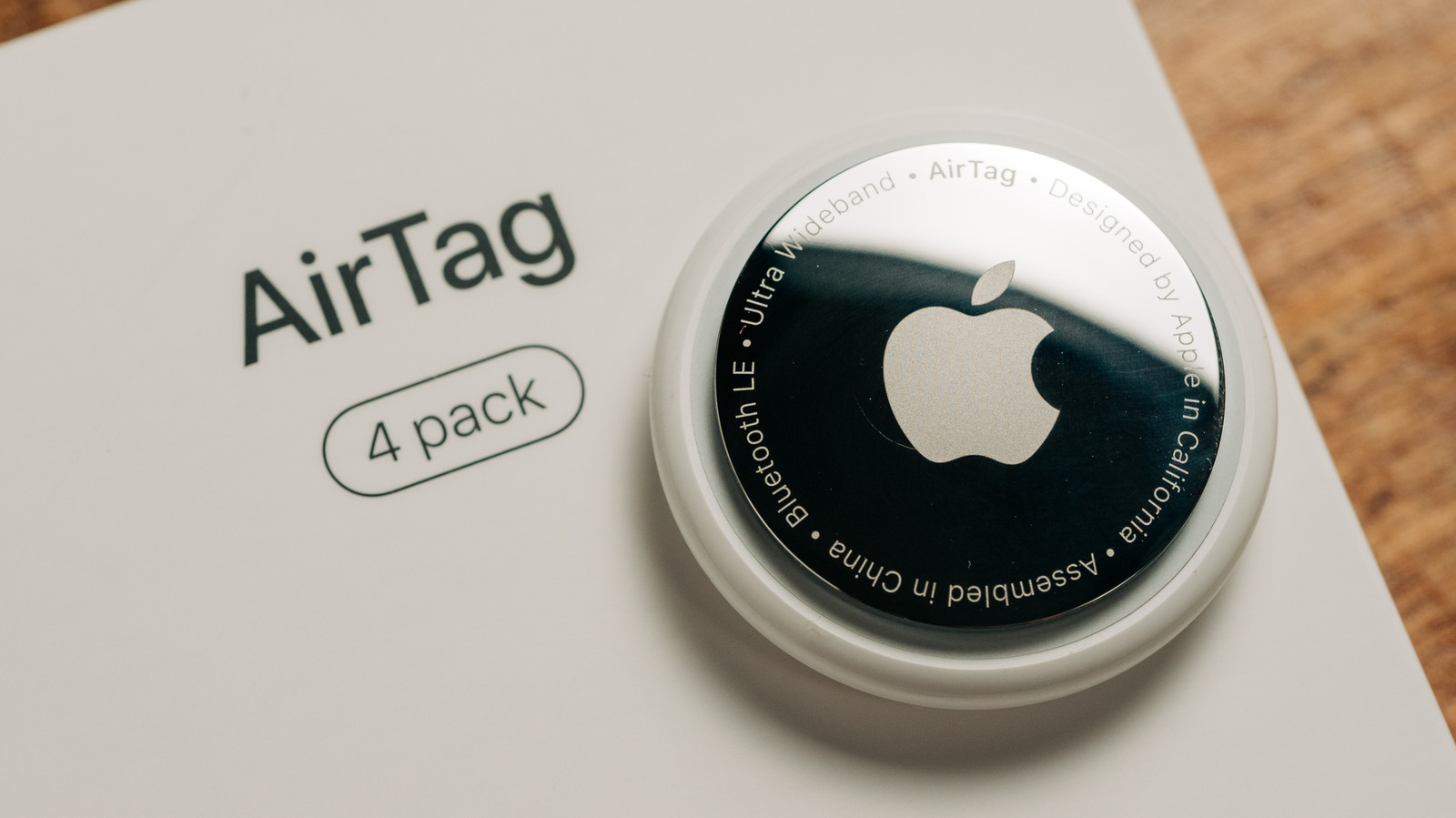
An AirTag's battery is easy to replace, but you don't want it to run low at a critical moment.
- Big Tech
- Apple
- How to extend the battery life of your Apple AirTags
- Why the battery in your AirTag might die quickly, and what you can do to make it last longer.
- By
- Filipe Espósito
- Oct. 24, 2026 7:45 pm EST
- ErickPHOTOPRO/Shutterstock
- Add Engadget on Google:
- Preferred Source
- Google Discover
- Apple’s AirTag is a must-have accessory for travelers or anyone who’s forgetful, and
- one of the best parts about using AirTags
- is that you don’t have to worry about recharging them. That’s because the tracker runs on a standard coin-cell battery, which Apple says lasts for more than a year before you need to replace it. But in practice, you might find that your AirTags run out of battery much faster — it really depends on how you use them.
- Even with the
- the second-generation AirTag
- , which released earlier this year, the battery performance remains the same. The good news is that a few simple habits can help its battery last longer. Whether you’re
- setting up an AirTag for the first time
- or having trouble with an older one, here’s what to know about an AirTag’s battery life.
- What kind of battery does the AirTag use, and what performance can you expect?
- OlegD/Shutterstock
- Every AirTag uses a CR2032 coin cell battery — a 3V lithium battery commonly used in car key fobs and watches. They’re super easy to find, with plenty available on Amazon and likely at your nearest drugstore or supermarket. Plus, they’re quite cheap, usually costing no more than $1 each.
- When you buy a new AirTag, it comes with a battery already installed.
- Replacing the AirTag battery is very simple
- just press and twist the AirTag’s steel underside cover until it comes off. Remove the old battery and insert the new one with the positive side facing up, then put the steel cover back on and twist it to close. If you did everything right, the AirTag will play a short sound when it turns back on. So how long does the AirTag’s battery typically last? In most cases, Apple’s estimate is accurate, and you can use one for a year or more before it runs out completely. But depending on how often you call on its features, the battery may run out sooner, lasting a few months instead of a year. Checking the battery level of your AirTags is easy: open the Find My app on your Apple device and switch to the Items tab. If you see an orange battery icon next to an AirTag, it’s time to replace the coin cell. When the battery is in good condition, the app doesn’t show any icons. Older versions of Find My always showed a battery indicator, but Apple removed this because it was often inaccurate. When an AirTag’s battery is low, it will restrict some features to preserve the small amount of power left: you can’t use the precision finding feature and it won’t play sounds. If you’re worried about the battery running low at an inopportune moment, set a reminder for a year out whenever you change one. Tips to make your AirTag battery last longer Backyardproduction/Getty Images Your AirTag doesn’t have an on/off switch because it’s always sending its location via the nearest Apple device. However, certain types of use drain the battery faster, so avoiding them can help the battery last longer. Repeatedly triggering the AirTag’s sound alert is one of the actions that drains its battery quickly, since it requires the speaker to fire up all the time. Precision Finding also uses more power, as that enables the Ultra Wideband chip to communicate with your iPhone or Apple Watch in real time. The same goes for constantly opening Find My to check on a tag that’s sitting in the next room. There’s no problem using these features in typical situations — that’s what an AirTag is designed for. But some people like to play around with these features just to see them in action, which can drain the battery faster. This also applies when the battery is low. Depending on what you do with your AirTag on critical power, it can last a few days to weeks or even a month. If a battery becomes low during a trip and you can’t replace it, try not to track or locate the tag unless absolutely necessary. Using a good battery also helps your AirTag last longer. Generic CR2032 batteries tend to hold less charge, so choosing one from a well-known brand is recommended. Apple recommends the Duracell 2032 Lithium Coin Battery — just keep in mind that some bitterant-coated CR2032 batteries may not work in an AirTag. Temperatures can also affect how long the AirTag’s battery lasts, so avoid placing them in extremely cold or hot places. Apple rates the AirTag to operate at temperatures between −4°F and 140°F (−20°C and 60°C), so throwing it in the trunk of a car isn’t the best idea. Also, an AirTag that’s constantly moving tends to experience faster battery drain because it’s always pinging its location. If the AirTag in your car runs out of battery before the one on your keychain, that’s normal.